CrossPlay — Connect Every Screen. Stream Every Experience.
CrossPlay is a flexible software platform for embedded systems, bringing real-time streaming, remote interaction, smartphone integration, edge AI, and connected navigation into one unified experience. Built for automotive and other embedded environments, it helps teams create advanced visual applications while making efficient use of existing hardware.
.png)
Remote Operation with WebRTC
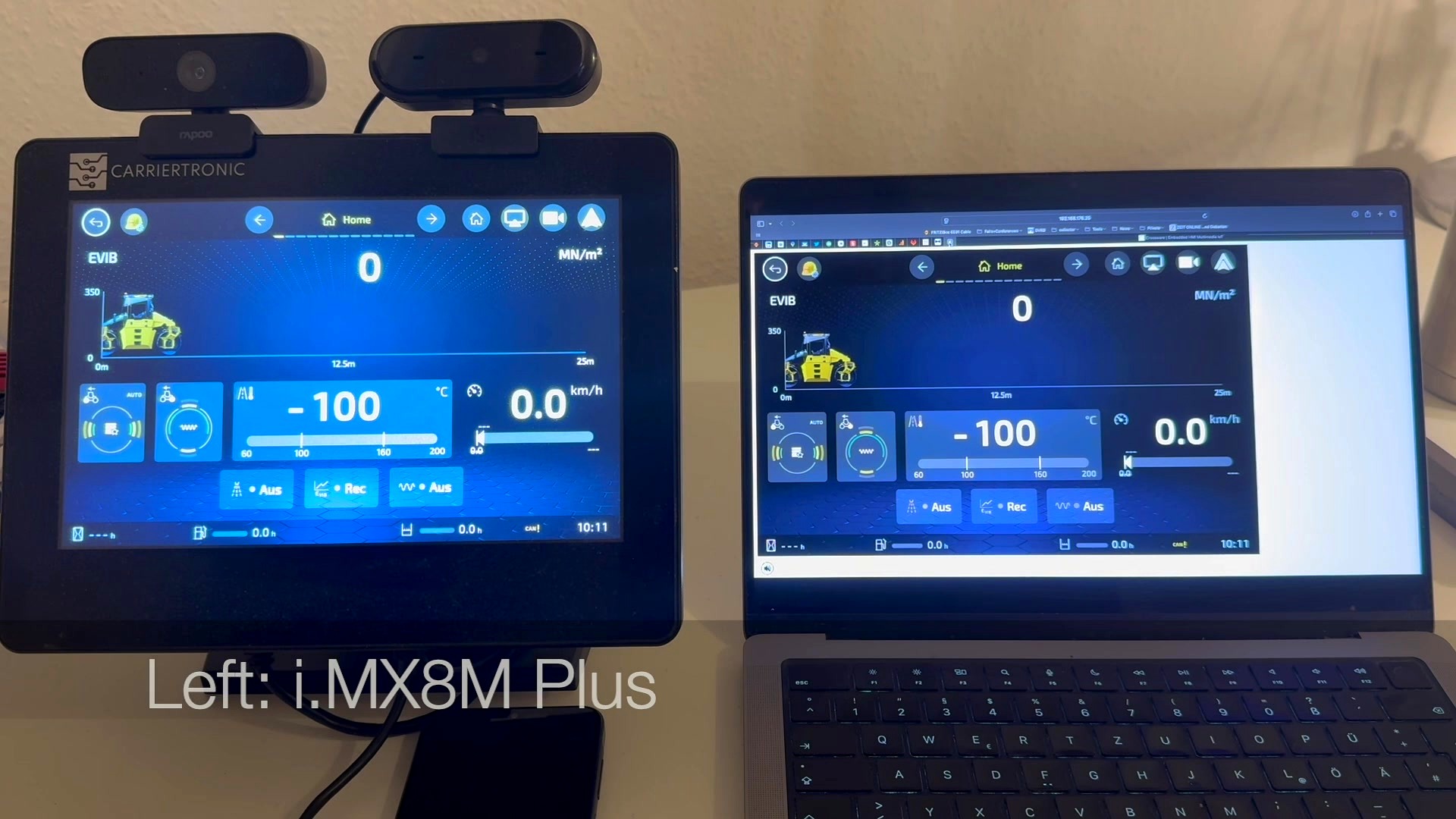
Monitor and control embedded systems securely from almost anywhere. CrossPlay uses low-latency WebRTC streaming to deliver responsive remote access through standard web technologies.
-
View multiple live video and display streams simultaneously
-
Overlay telemetry, diagnostics, alerts, and contextual data
-
Operate touch interfaces and system controls remotely
-
Adapt video quality to the available network bandwidth
-
Support encrypted, session-based connections
-
Record or capture streams for diagnostics and support
-
Enable browser-based operation without dedicated client softw

Streaming Composition
Turn multiple video and data sources into one coherent visual experience. CrossPlay makes it easy to ingest, transform, combine, and present streams according to your application’s needs.
-
Integrate IP cameras, local cameras, displays, and network streams
-
Add dynamic overlays such as parking guidance, sensor data, or warnings
-
Stitch camera feeds into panoramic or surround-view compositions
-
Create picture-in-picture and configurable multi-view layouts
-
Crop, scale, rotate, and reposition streams in real time
-
Synchronize streams from multiple sources
-
Use hardware-accelerated processing where supported
-
Switch layouts dynamically based on vehicle or system state
.png)
Android Auto and Apple CarPlay
Bring familiar smartphone experiences into embedded displays through Android Auto and Apple CarPlay integration.
-
Support wired and wireless connectivity
-
Integrate projection sessions into custom display layouts
-
Route audio, calls, navigation, and media through the host system
-
Coordinate touch, rotary-controller, button, and voice input
-
Manage transitions between native and projected applications
-
Adapt the experience to different display sizes and aspect ratios
-
Support multi-display and instrument-cluster use cases
.png)
Edge AI
Add intelligent visual processing directly at the edge. CrossPlay can take advantage of SoM capabilities such as the NXP i.MX 8 VPU or dedicated accelerators such as DeepX modules.
-
Detect traffic signs, vehicles, cyclists, and pedestrians
-
Build driver-monitoring features such as attention and drowsiness detection
-
Detect occupants and support seat-occupancy classification
-
Identify objects, free space, and potential hazards
-
Apply privacy masking or anonymization to video streams
-
Overlay inference results directly onto live video
-
Run multiple models across configurable processing pipelines
-
Process data locally for lower latency and greater privacy
-
Connect AI events to recording, alerts, or remote-support workflows
.png)
Video Casting
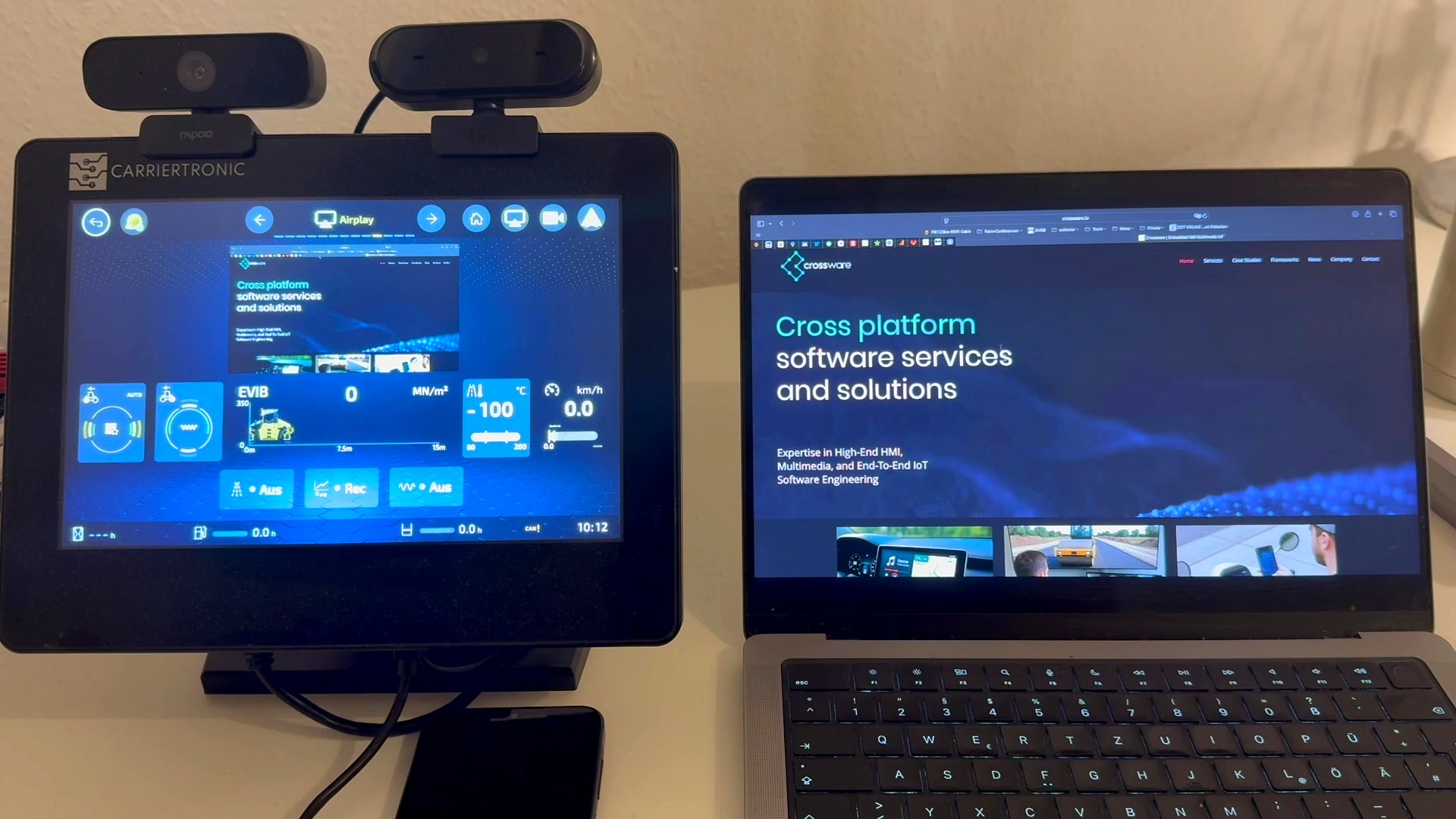
Share media and screen content across connected devices. CrossPlay enables straightforward casting to embedded displays for entertainment, presentations, and collaborative experiences.
-
Support Apple AirPlay
-
Mirror device screens or cast supported media
-
Stream video, images, and audio over the local network
-
Discover nearby receivers automatically
-
Manage connection requests and trusted devices
-
Adapt content to the target display and orientation
-
Continue playback while the source device handles other tasks
-
Apply configurable restrictions for driving and safety states
.png)
Map Streaming
Bring navigation maps from another device to an embedded display without moving the complete application. CrossPlay can stream rendered maps or selectively transfer map content using tiled delivery.
-
Stream maps from smartphones, gateways, or companion devices
-
Transfer surrounding map area using configurable map tiles
-
Update tiles progressively as the position or zoom level changes
-
Use Wi-Fi for high-throughput delivery or Bluetooth Low Energy for lightweight updates
-
Cache recently used tiles to reduce bandwidth and improve responsiveness
-
Transfer routes, markers, traffic conditions, and points of interest
-
Synchronize position, heading, zoom, and interaction state
-
Continue displaying cached map content during temporary connection loss
-
Combine streamed maps with local vehicle and sensor information